01
Plug in.
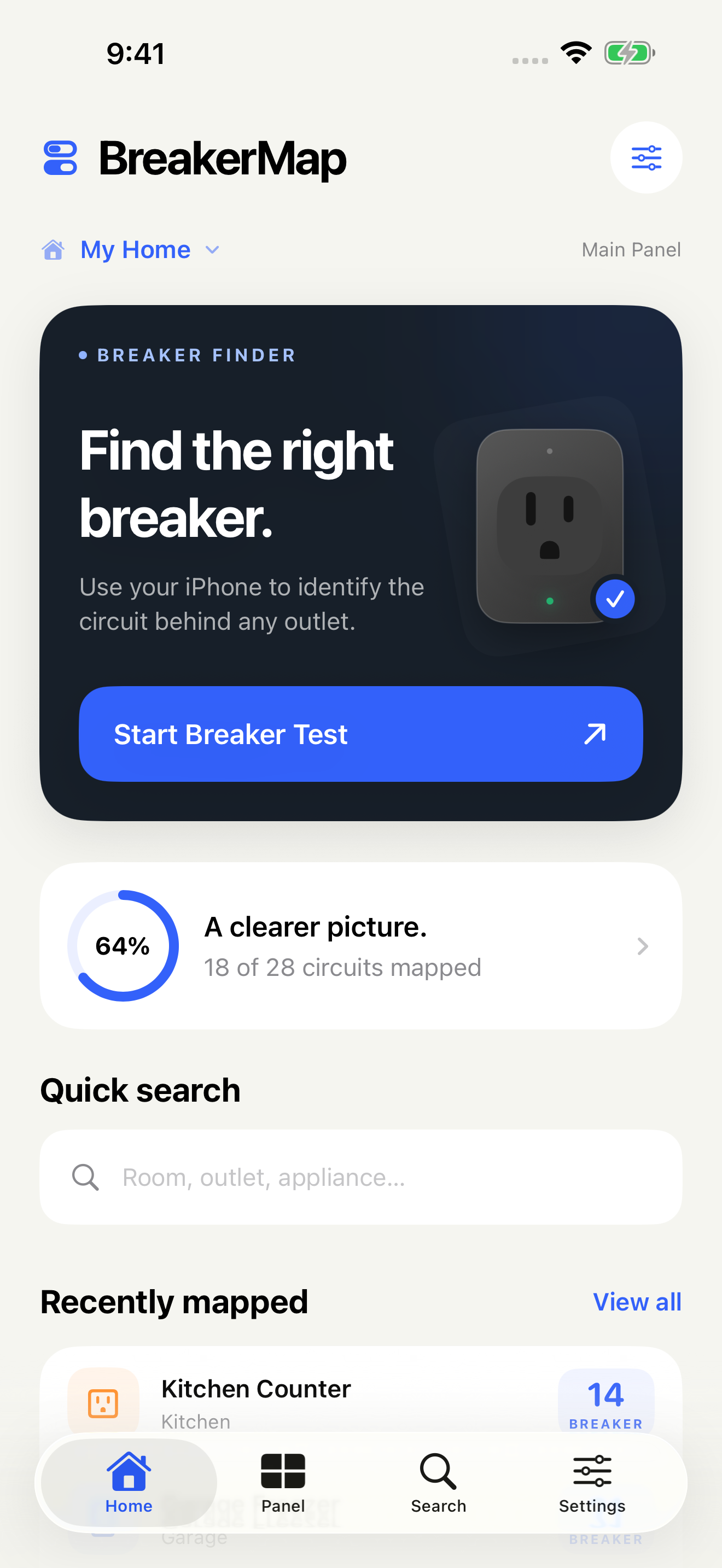
Connect your iPhone to the outlet with a wired charger. Open BreakerMap, preview your alert, and start a test.
A LITTLE CLARITY FOR EVERY CIRCUIT
That mystery switch? Mystery solved. Find an outlet’s breaker and build a clear, searchable map of everything it powers.
Made for iPhone. Made for the place you call home.
01 / FIND IT
No shouting across the house.
Just your iPhone and a wired charger.
Connect your iPhone to the outlet with a wired charger. Open BreakerMap, preview your alert, and start a test.
Switch breakers one at a time. When your iPhone loses charging power, BreakerMap sounds an alert.
Restore power, choose the breaker, and save the outlet to your map. Add a room, a note, or a photo if you like.
Keep the app open and your iPhone unlocked during a test. Read the setup guide
02 / MAP IT
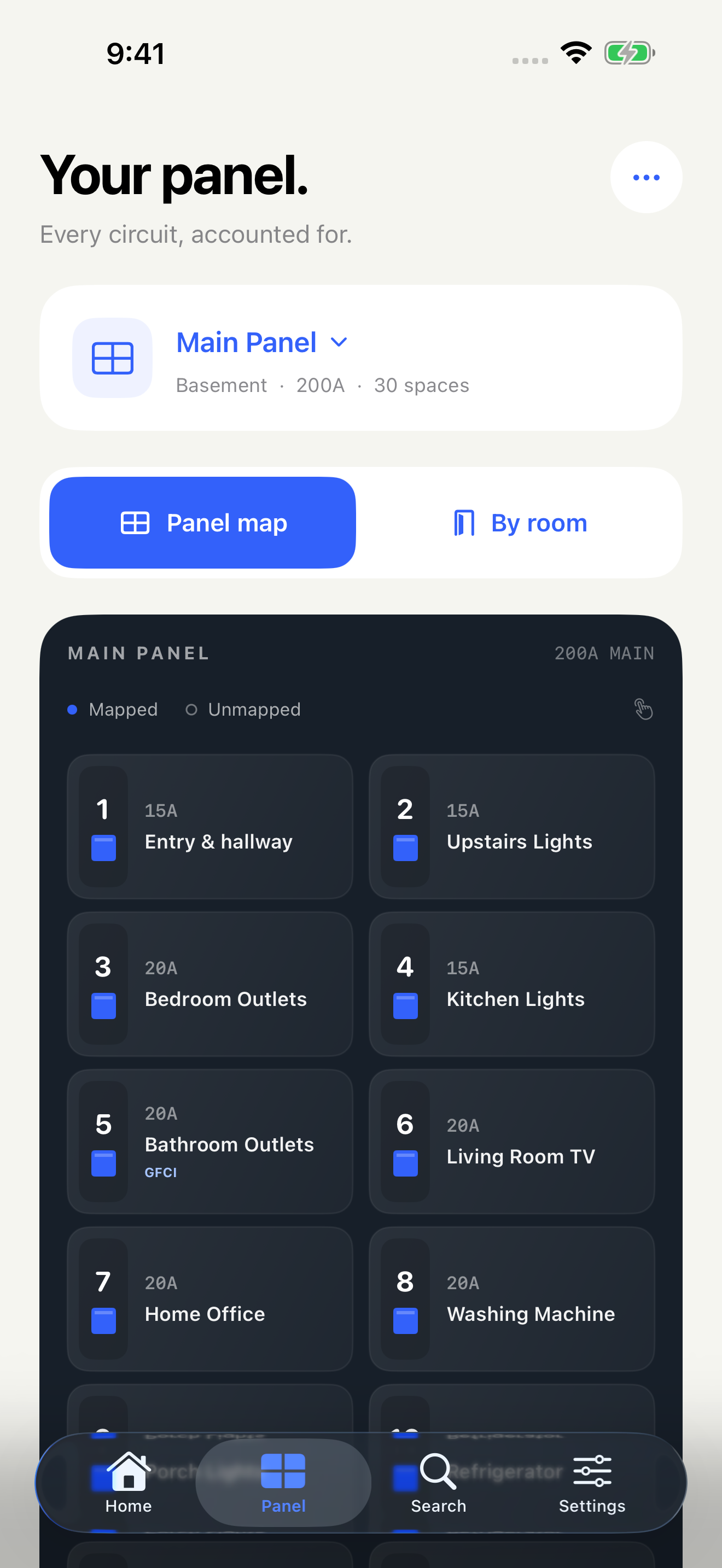
Turn a row of switches into a map of your home. Find a circuit by room, see what it powers, and leave the guesswork behind.
20A · GFCI protection
Saved in your panel directoryTry the sample panel. Select a circuit to see its details.
Enable JavaScript to explore the sample circuits. The iPhone app works without an internet connection.
03 / KEEP IT
The things you figure out today,
ready when you need them tomorrow.
Search “dishwasher,” choose a room, or look up a breaker number. Your map has the answer.
“North wall, beside the window.” Add names, notes, and photos that make sense to you. Blank names get a useful default.
North wall outlets, beside the window.
20A · AFCIExport a printable PDF directory to keep by your panel or share with someone who needs it.
See a sample directory (PDF, opens in a new tab)Keep your main panel, garage subpanel, and other properties organized in one place.
YOURS, BY DESIGN
Your records and photos stay on your iPhone. No account to create, no ads, and no internet connection needed to use the app.
A clear look at privacyJust your iPhone and a compatible wired charger plugged directly into the outlet. A battery pack or charger with backup power can keep your phone charging after the outlet loses power, so use a direct connection.
It detects when your iPhone stops receiving charging power. Keep the app open and your phone unlocked during the test, and preview the alert so you know you can hear it from your panel.
You can manually add lights, appliances, and other items to any mapped circuit, with rooms, notes, and photos. The automatic finder detects charging power at the outlet connected to your iPhone.
Yes. Finding breakers, saving photos, searching your map, and creating exports work on your iPhone. There’s no account to create. Cross-device syncing isn’t included in this version.
Yes. Export a panel directory as a PDF to print or share. You can also export all of your records and photos as a JSON archive. Keep your device backed up; importing an archive isn’t available in this version.
No. BreakerMap is a mapping tool, not an electrical tester. It cannot measure voltage or verify that a circuit is de-energized. Always verify with an appropriate electrical tester before working on wiring, and contact a qualified electrician if you’re unsure.
COMING SOON ON IPHONE
A little less guessing. A little more clarity.
BreakerMap is getting ready for the App Store.